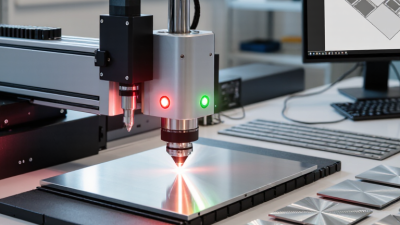


Choosing a metal engraving machine in 2026 is less about chasing the highest wattage and more about matching the tool to real work. A jeweler marking a silver ring needs a different setup from a workshop engraving serial numbers on steel plates. Speed matters, but so do focus, repeatability, software, and the space available on the bench.
A useful shop-floor rule is simple: “A machine is only as precise as its setup, material, and repeatability.” That is an editorial principle, not a quotation attributed to a named industry expert. Without a verifiable source, assigning it to a real person would be misleading. In the guide ahead, we compare seven machines by practical details: supported metals, marking quality, usable work area, setup demands, and ongoing costs.
Small details can decide the purchase. Can the machine mark a curved part? Does the included software make parameter changes clear? Will the exhaust keep fine residue away from the work surface? A polished product photo cannot answer those questions. Neither can a headline wattage.
The strongest choice depends on your jobs, not a universal ranking. Some buyers may need deeper engraving; others need crisp, dark marks on small components. There is no perfect machine. This comparison aims to make the trade-offs visible, while recognizing that results still depend on material, settings, and operator skill.
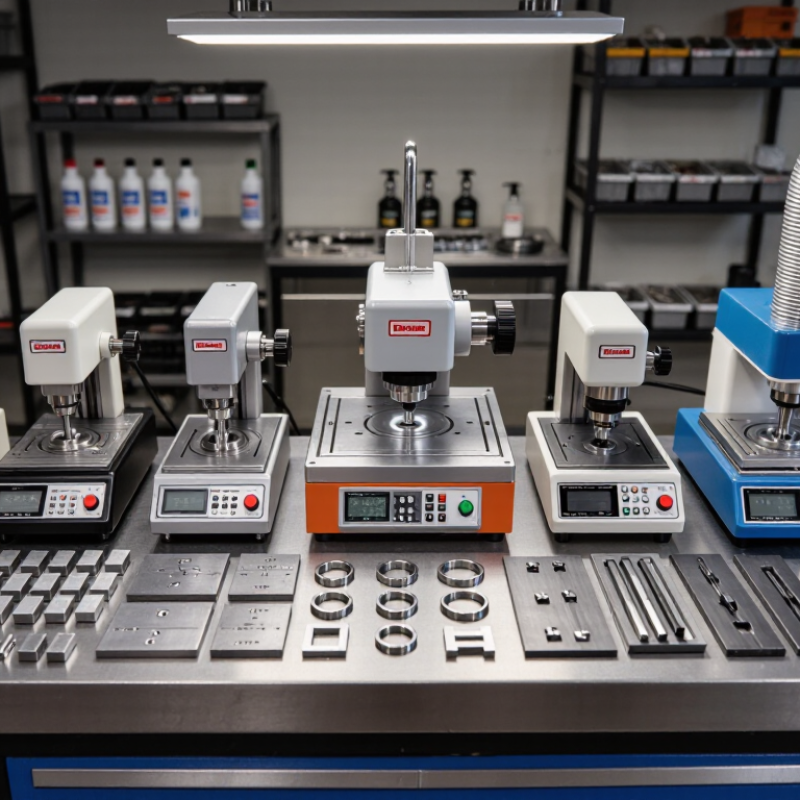
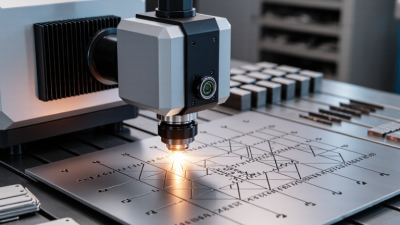
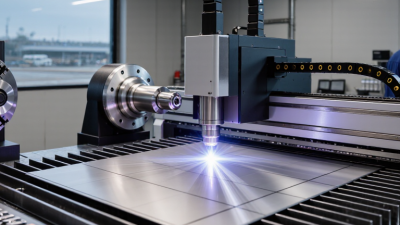
Metal engraving machines create marks in different ways. A fiber laser concentrates light into a small, intense spot. Depending on the metal and settings, it can remove surface material or create a darker annealed mark through controlled heat. A CNC engraver uses a rotating bit to cut a groove, leaving a tactile line and tiny metal chips.
The difference matters. Stainless steel often takes crisp laser marks, while aluminum may need careful power and speed adjustments for strong contrast. Titanium can show color changes under controlled heating. Brass and copper reflect heat and light differently, so they may need more testing. Some diode and CO2 systems mark metals only when a coating is present; they do not reliably engrave bare metal.
A practical setup starts with a clean, flat sample, secure workholding, and correct focus. Make a small test grid before marking a finished part. Too much power can blur fine text or create excess heat, while too little may leave a faint mark. A small test can still surprise you. Reflective surfaces, curved parts, and inconsistent finishes can change the result, so settings that worked yesterday may not work perfectly today. Use an enclosed machine and suitable extraction where required, and follow the equipment maker’s safety guidance.
| Rank | Machine Type | How It Works | Typical Power or Setup | Metals It Can Mark | Best For | Key Limitations |
|---|---|---|---|---|---|---|
| 1 | Enclosed fiber laser marker | Focuses a pulsed fiber-laser beam onto the surface to create a durable mark by changing, oxidizing, or removing material. | Typically 20–100 W; enclosed work area and extraction or filtration may be needed. | Stainless steel, carbon steel, aluminum, brass, copper, titanium, and many precious metals. | Permanent serial numbers, QR codes, logos, and production marking on metal parts. | Deep engraving takes longer than surface marking. Reflective metals may require suitable settings and careful setup. |
| 2 | MOPA fiber laser marker | Uses a fiber-laser source with adjustable pulse duration, allowing finer control of heat and surface effects. | Commonly 20–100 W; capabilities depend on pulse settings, lens, and material. | Stainless steel, titanium, aluminum, and other metals compatible with fiber-laser marking. | Fine detail, dark or high-contrast marks, and color effects on some stainless-steel and titanium surfaces. | Color results are sensitive to material finish and settings; they may vary between batches and are not necessarily wear-proof. |
| 3 | Portable fiber laser marker | A compact fiber-laser head is positioned on or near the workpiece; some systems use a handheld marking head. | Often around 20–50 W, with the working area and portability varying by configuration. | Steel, stainless steel, aluminum, brass, copper, and titanium, subject to the laser and material setup. | Marking large, heavy, or installed metal parts that are difficult to move to a fixed machine. | Requires stable positioning and appropriate laser-safety controls; handheld operation does not make the beam safe to view. |
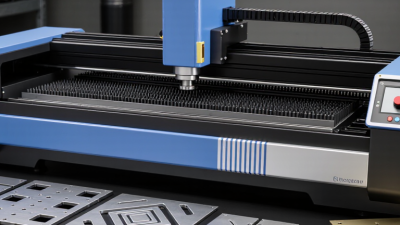
| 4 | CNC rotary engraving machine | A motor-driven cutting tool follows programmed paths and physically cuts lines or shapes into the metal. | Selected by spindle, machine rigidity, tooling, and work area rather than laser wattage. | Aluminum, brass, copper, and softer steels; harder alloys need suitable tooling and a rigid machine. | Cut lettering, grooves, nameplates, and marks that need measurable depth. | Creates tool wear, chips, and cutting forces. Fine detail and hard-metal work depend heavily on machine rigidity and tooling. |
| 5 | Dot-peen marking machine | A hard stylus rapidly indents the surface to form characters, numbers, or data-matrix codes as a pattern of dots. | Specified by marking area, stylus, and impact settings; no laser-power rating applies. | Steel, stainless steel, aluminum, and many other metals; capability depends on hardness and machine design. | Rugged identification marks on industrial parts, tools, and components. | Marks are indented rather than smooth. The process is audible and can be less suitable for delicate, thin, or highly finished parts. |
| 6 | Electrochemical marking system | Uses low-voltage current, an electrolyte, and a stencil to create a localized surface reaction on conductive metal. | Uses a controlled electrical supply and material-specific stencil and electrolyte; laser wattage does not apply. | Conductive metals such as stainless steel, carbon steel, and some nickel- or copper-based alloys. | Simple logos, inspection marks, and identification on conductive parts, including some curved surfaces. | Usually creates a shallow surface mark rather than deep engraving. Results depend on stencil quality and electrolyte compatibility. |
| 7 | Diode laser engraver | A focused diode-laser beam heats a surface; on metal, it usually marks a coating or treated layer rather than bare metal. | Commonly advertised around 5–20 W optical output; specifications and actual marking ability vary. | Anodized aluminum and painted, coated, or laser-marking-treated metals. Bare metal generally needs a compatible marking compound or coating. | Budget-friendly projects, coated metal tags, and hobby work where deep bare-metal engraving is not required. | Typically cannot directly engrave bare metal effectively. Coating removal or marking compound may be needed, and results vary by finish. |
Note: Power ranges and capabilities are typical examples, not guarantees for every machine. Marking depth, contrast, speed, and compatible metals depend on the specific machine, material grade, surface finish, and settings. Use appropriate guarding, ventilation, and laser-safety procedures.