Top Tips for Choosing a Commercial Laser Engraver?
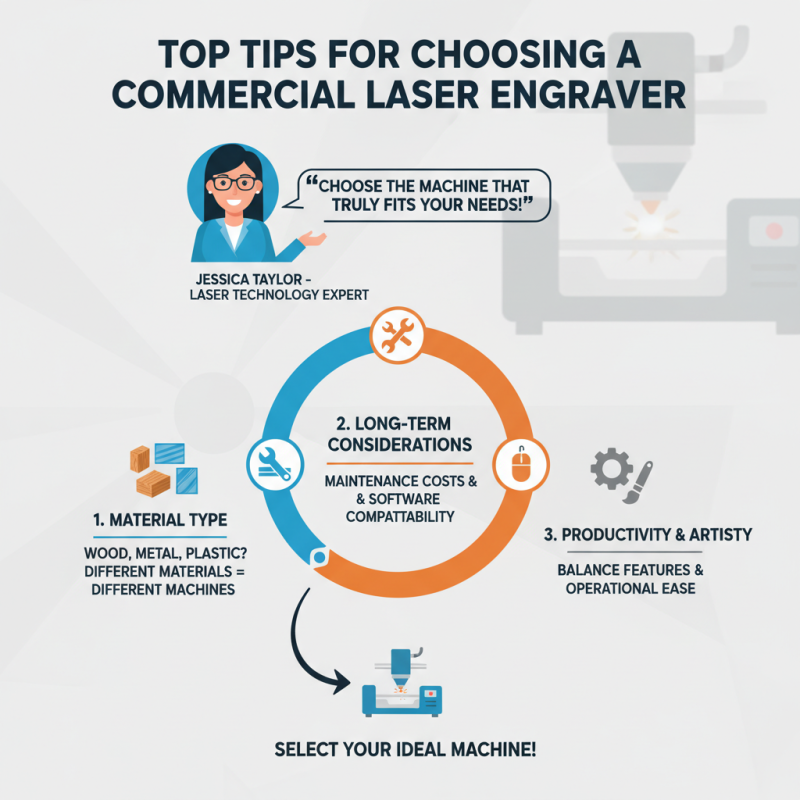
When selecting a commercial laser engraver, the decision can feel overwhelming. Expert Jessica Taylor, a recognized leader in laser technology, advises, "Choose the machine that truly fits your needs." This advice is crucial in a market filled with various options and specifications. Each engraver comes with its unique features, making informed choices vital.
In the expansive world of commercial laser engraving, understanding your specific requirements is essential. Are you engraving wood, metal, or plastic? Different materials demand different engraving techniques and machines. Investing in the right commercial laser engraver can enhance your productivity and artistry.
Reflecting on common pitfalls is helpful. Many buyers overlook maintenance costs and compatibility with software. These factors can significantly impact your engraving quality and workflow. Take time to evaluate the long-term benefits and challenges. Balancing features and operational ease will lead you to the ideal machine.
Understanding the Different Types of Commercial Laser Engravers
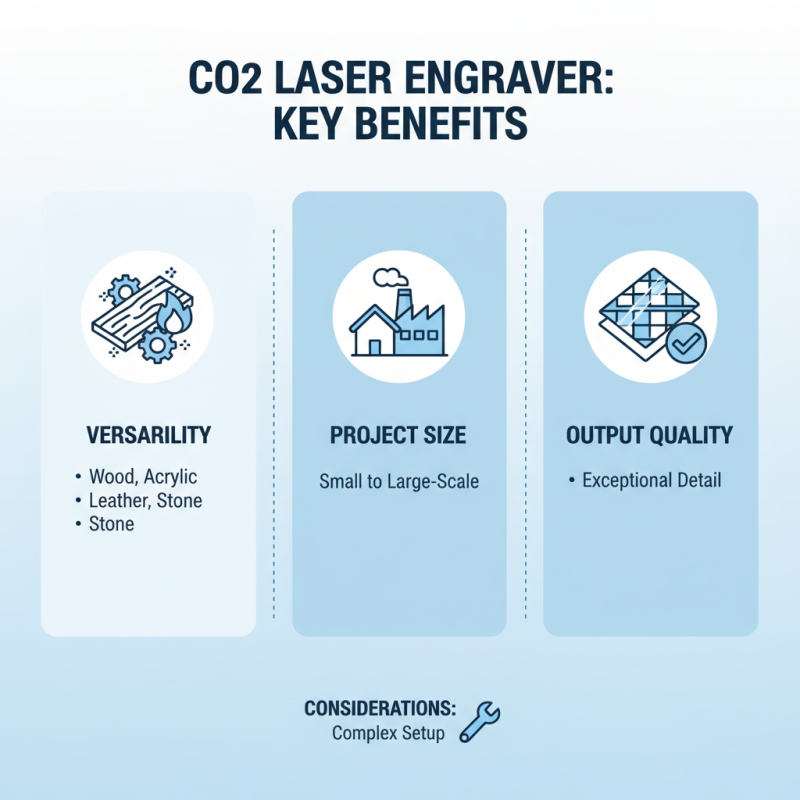
When considering a commercial laser engraver, understanding the various types is crucial. CO2 laser engravers are popular for their versatility. They can cut and engrave on materials like wood, acrylic, and leather. These machines are suitable for small to large projects. The output quality is often exceptional, but setup can be complex.
Fiber laser engravers offer precision when working with metals. They efficiently engrave on metals like steel, aluminum, and brass. These engravers may have a steeper learning curve. Those unfamiliar with metalworking might find this challenging. However, their speed and accuracy make them valuable in industrial settings.
Diode lasers are another option, typically more affordable. They are great for beginners and small businesses. But, they may lack power for certain materials. Users should weigh the pros and cons carefully. Reflect on what materials you’ll be using most often. Each type has its unique advantages and potential drawbacks that require consideration.
Key Features to Consider When Selecting a Laser Engraver
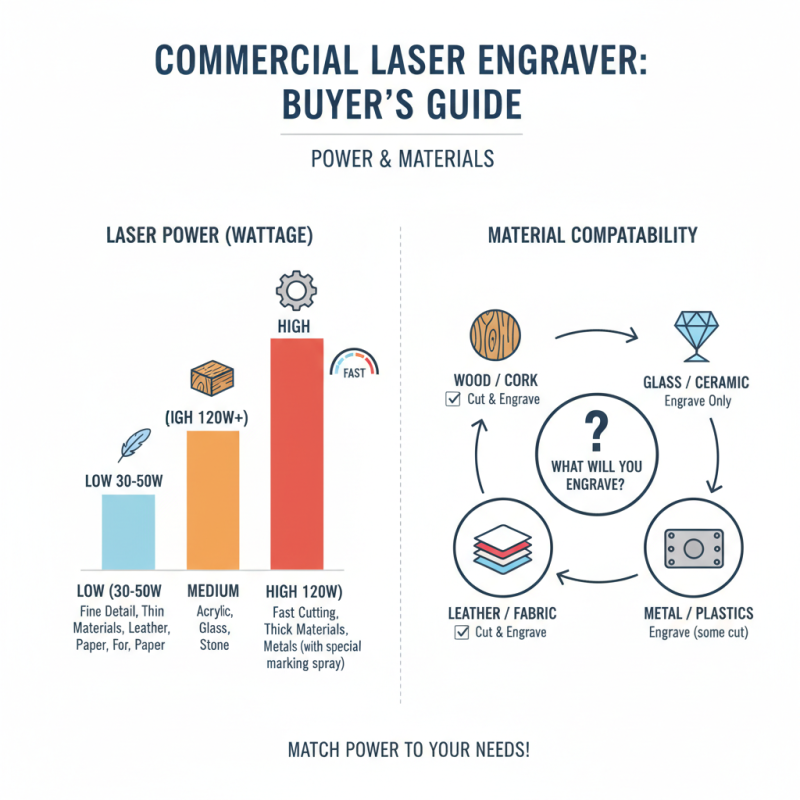
When selecting a commercial laser engraver, it’s vital to consider key features that fit your needs. One of the most critical aspects is laser power. Higher wattage allows for faster engraving and cutting, but it may not be necessary for all materials. Evaluate what you intend to engrave. Will you work on wood, glass, or metals? Each material behaves differently with various power outputs, so think carefully.
Another feature to assess is the size of the engraving area. Smaller machines may fit your workspace, but can limit your projects. Are you aiming for large, intricate designs? This could mean choosing a larger unit. Also, look into the software that comes with the laser engraver. User-friendly software enhances productivity. If the program requires extensive training, it might slow down your workflow.
Don’t forget about the cooling system of the laser engraver. Some systems may overheat quickly, leading to decreased efficiency. Additionally, maintenance needs vary across models. Some equipment may require frequent calibration. Addressing these factors can lead to better long-term results. Your choice should align with your operational style and project goals. Take the time to evaluate your options thoroughly.
Evaluating the Cost and Budget for a Laser Engraver Purchase
When evaluating the cost of a commercial laser engraver, several factors come into play. The price range typically varies from $2,000 to $50,000. High-end models offer advanced features but can strain budgets. It’s crucial to balance cost with capabilities. For small businesses, entry-level models might suffice, providing quality output at a lower price. Research shows that 62% of users find that investing in a reliable engraver pays off through increased productivity.
Assess the total cost of ownership. Factors include maintenance, consumables, and energy consumption. Reports indicate that laser engravers can consume between 1-10 kWh per hour. This can add significant costs over time. Additionally, software and training expenses should be considered. Often, buyers underestimate these hidden costs, leading to budget overruns.
One common mistake is neglecting the potential for scalability. A lower initial investment on a basic machine might be tempting. However, as business grows, upgrading can be costly and complex. A comprehensive budget plan, factoring in future needs, helps avoid financial pitfalls. Graveling through these details can feel overwhelming but is essential for making an informed choice.
Top Tips for Choosing a Commercial Laser Engraver
| Feature |
Description |
Estimated Cost ($) |
| Laser Power |
The higher the wattage, the faster the engraver cuts/engraves. |
1,000 - 10,000 |
| Engraving Area |
The maximum size of the material that can be engraved. |
500 - 5,000 |
| Material Compatibility |
Ability to work with various materials like wood, metal, glass. |
Varies (included in total cost) |
| Software Compatibility |
Ease of use and compatibility with design software. |
Typically included |
| Maintenance Costs |
Regular upkeep to ensure optimal performance. |
100 - 1,000 per year |
| Warranty |
Support duration for repairs and replacements. |
Varies (usually included) |
Assessing the Brand Reputation and Customer Support Services
When selecting a commercial laser engraver,
brand reputation plays a crucial role. A well-regarded brand often indicates quality and reliability.
You can check online reviews and customer feedback. Look for patterns in comments.
This helps gauge user satisfaction. If many users report issues, it might be a red flag.
Customer support services are equally important. Efficient customer service can save you time and frustration.
When equipment malfunctions, quick assistance is vital. Research how companies respond to inquiries.
A company with available chat support is a plus. Consider their warranty and service options as well.
Some brands might offer limited support after purchase, which could lead to disappointment.
Assessing both reputation and support might take time. Don’t rush the decision.
Reflect on past experiences with brands. Did they meet your expectations?
Such insights can guide your choice. A thoughtful selection can enhance your business operations.
The right engraver can be a game changer.
Importance of Software Compatibility and Integration with Laser Engravers
When selecting a commercial laser engraver, software compatibility plays a pivotal role. The right software can streamline workflows and enhance productivity. A user-friendly interface is essential. Complicated software can lead to frustration and delays. Ensure the software easily integrates with other tools you use, such as design applications. Look for engravers that support a variety of file formats. Compatibility with popular design software can save you hours of rework.
Consider the learning curve of the software. Some programs are intuitive, while others may require extensive training. This can affect your team's efficiency. Test the software before purchasing. A demo can reveal hidden issues. It’s crucial to check for regular updates and customer support. This ensures you can adapt to future needs. If the software becomes obsolete, your equipment might not perform well long-term.
While analyzing options, keep in mind the scalability of software solutions. As your business grows, your needs may change. Choose software that can evolve with you. It may seem easier to select a cheaper engraver, but long-term costs could rise. Missing features can hinder your projects. Always assess what functionalities you may lack. Reflect on how these choices impact your overall efficiency.
Importance of Software Compatibility and Integration with Laser Engravers